
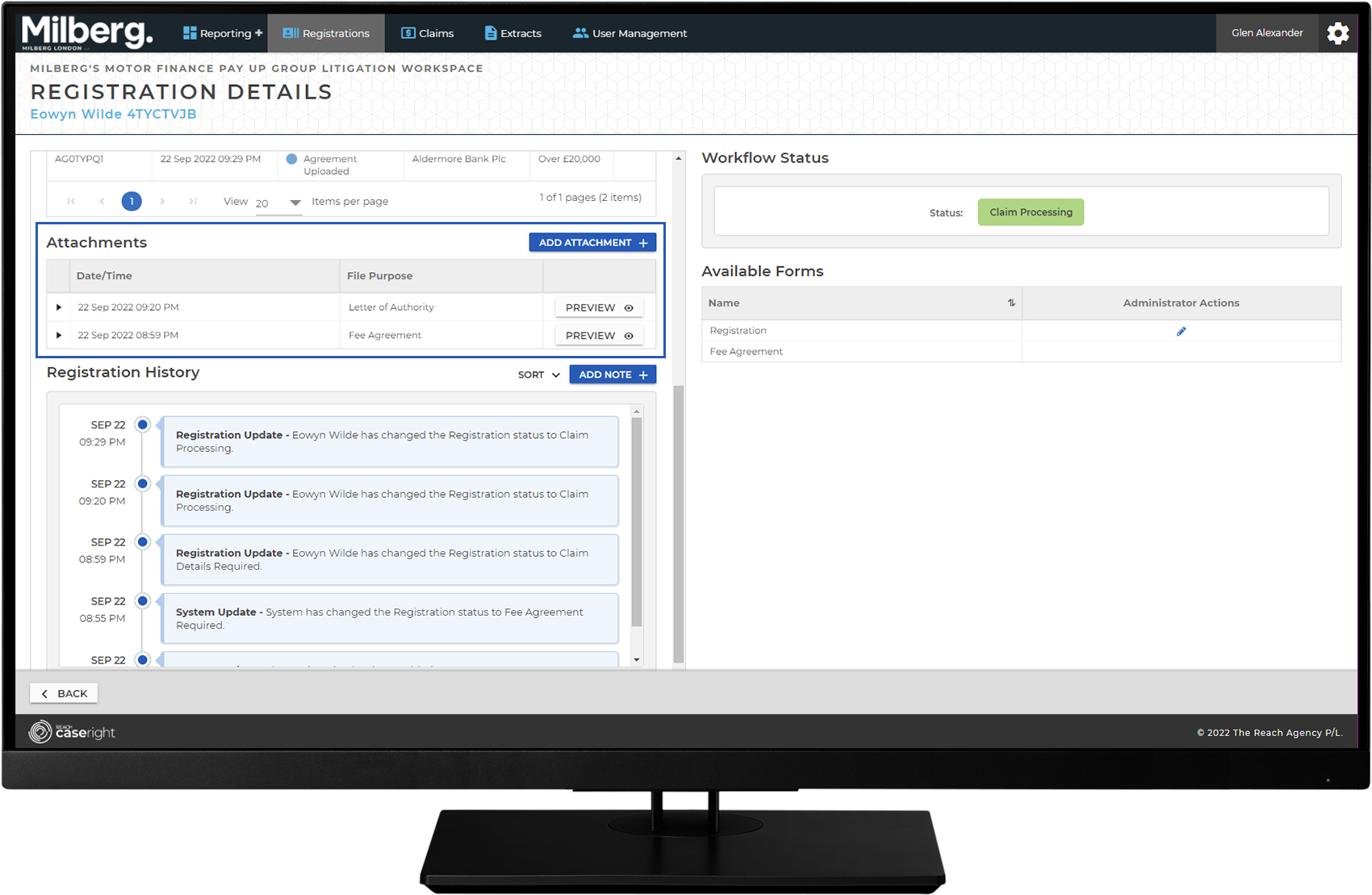
Navigating the Management Workspace - Details Page: Step 3 of 5
View an Attachment
From the details view, go to the Attachments section:
- Select the Preview button
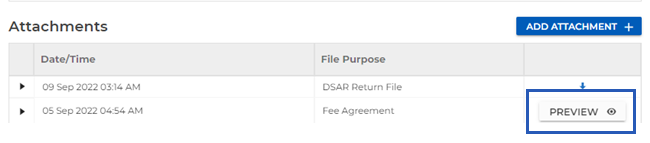
Note: The attachment will display in the lower right pane of the details view. This is automatic when the file format is PDF, PNG, XML, JPG, TIFF.