
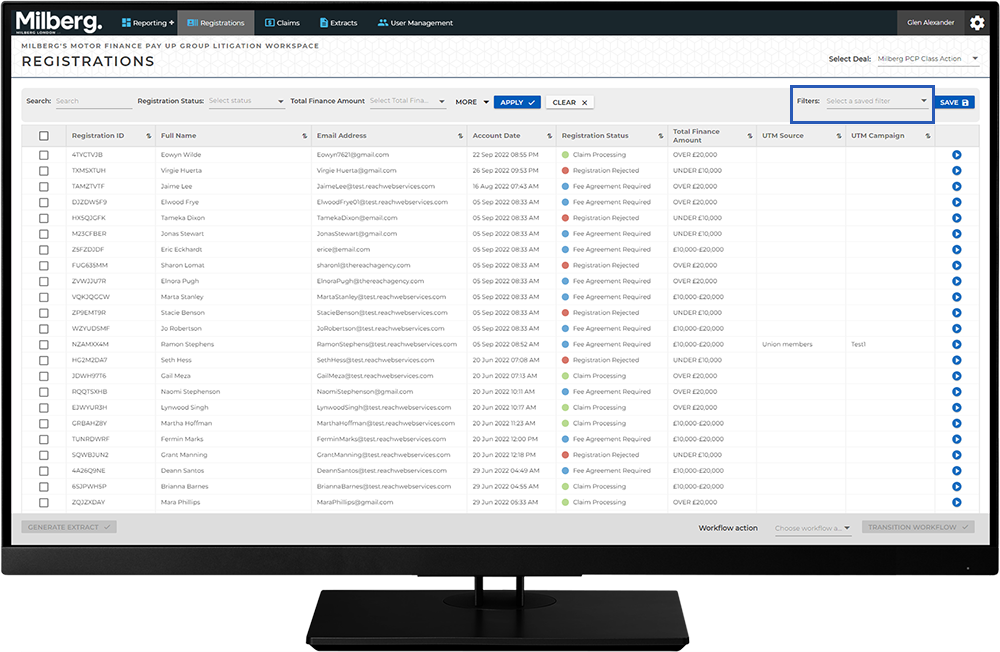
Navigating the Management Workspace - List Page: Step 10 of 11
Delete a Filter
At some point, you may find a filter is no longer useful and you would like to remove it from the Filters list.
To delete a filter:
- From the Filters dropdown, select the trashcan icon next to the name of the filter to delete
- Press 'OK' in the confirmation dialog
