
CaseRight Roles: Step 3 of 4
Workspace Administrator
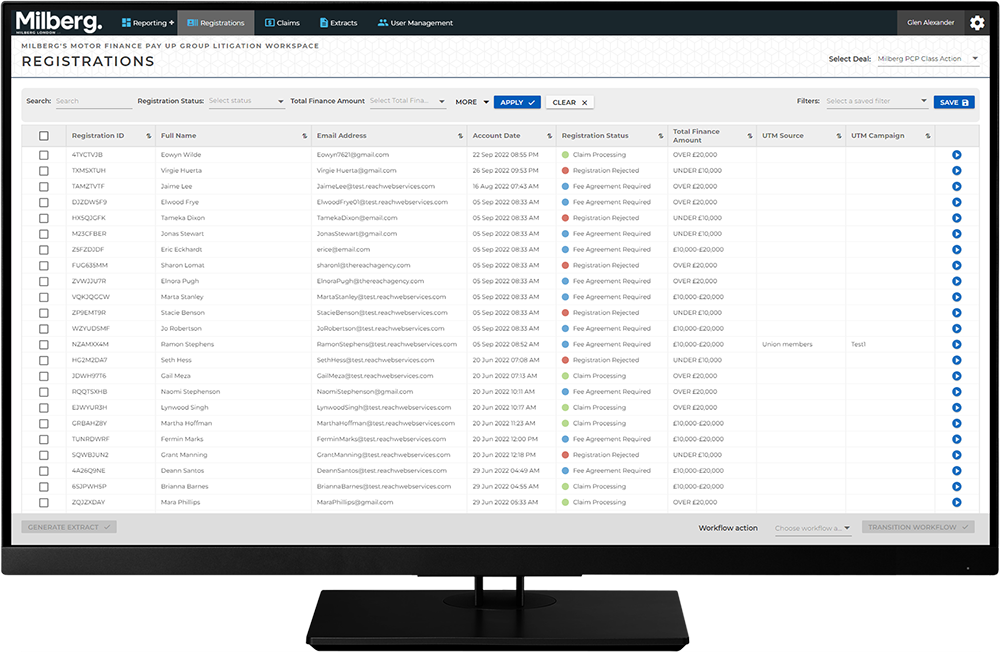
The Workspace Administrator has the overview to all activity within CaseRight and has the highest level of permissions. Their role is tied to the Workspace. To gain access to the Workspace, they are added to the system initially by the CaseRight vendor and later by another Workspace Administrator.
Workspace Administrator has permissions to:
- Review all data including Registrations, Claims and reports
- Can carry out workflow action activities as a backup if necessary
- Handles user management functions such as adding users and locking/unlocking an account